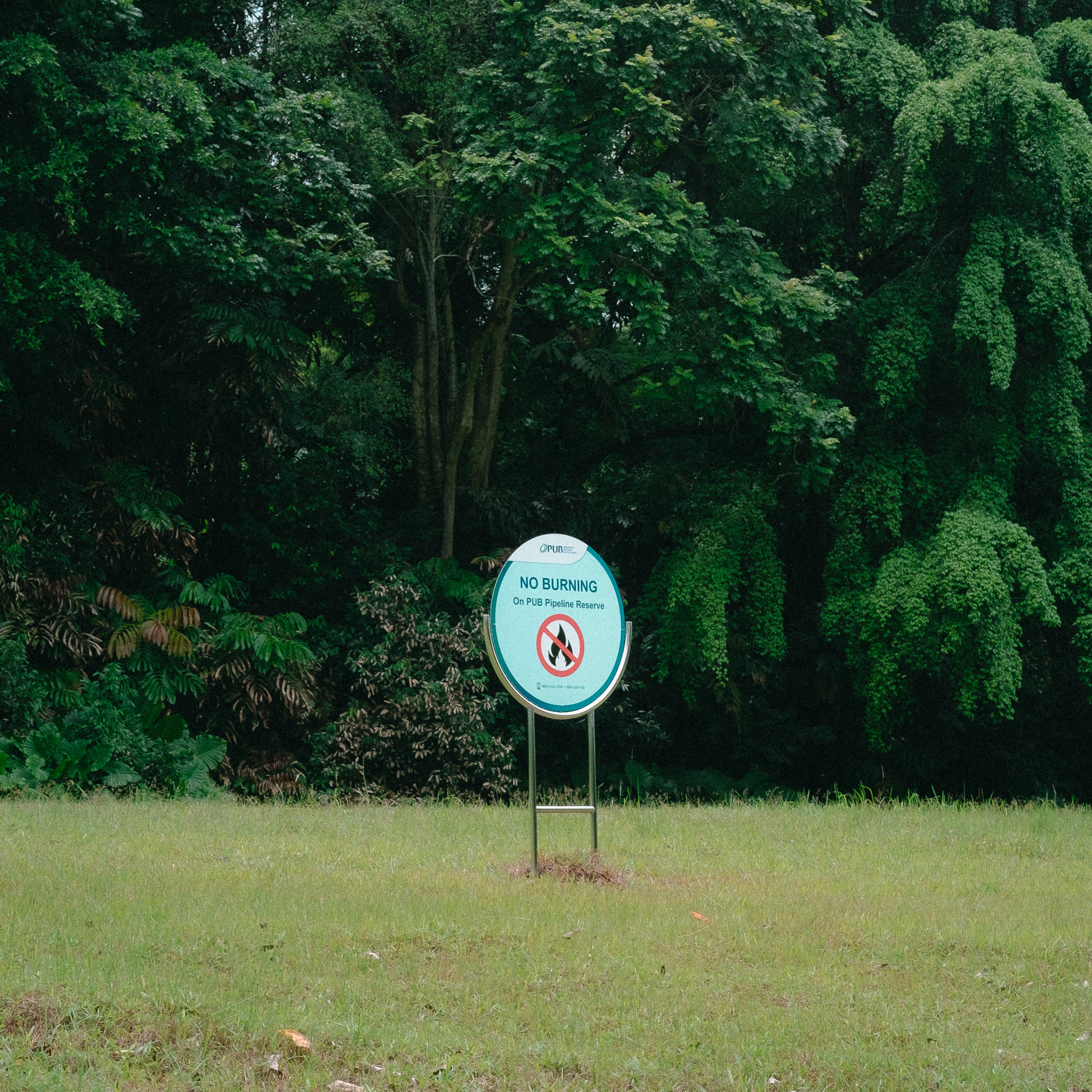
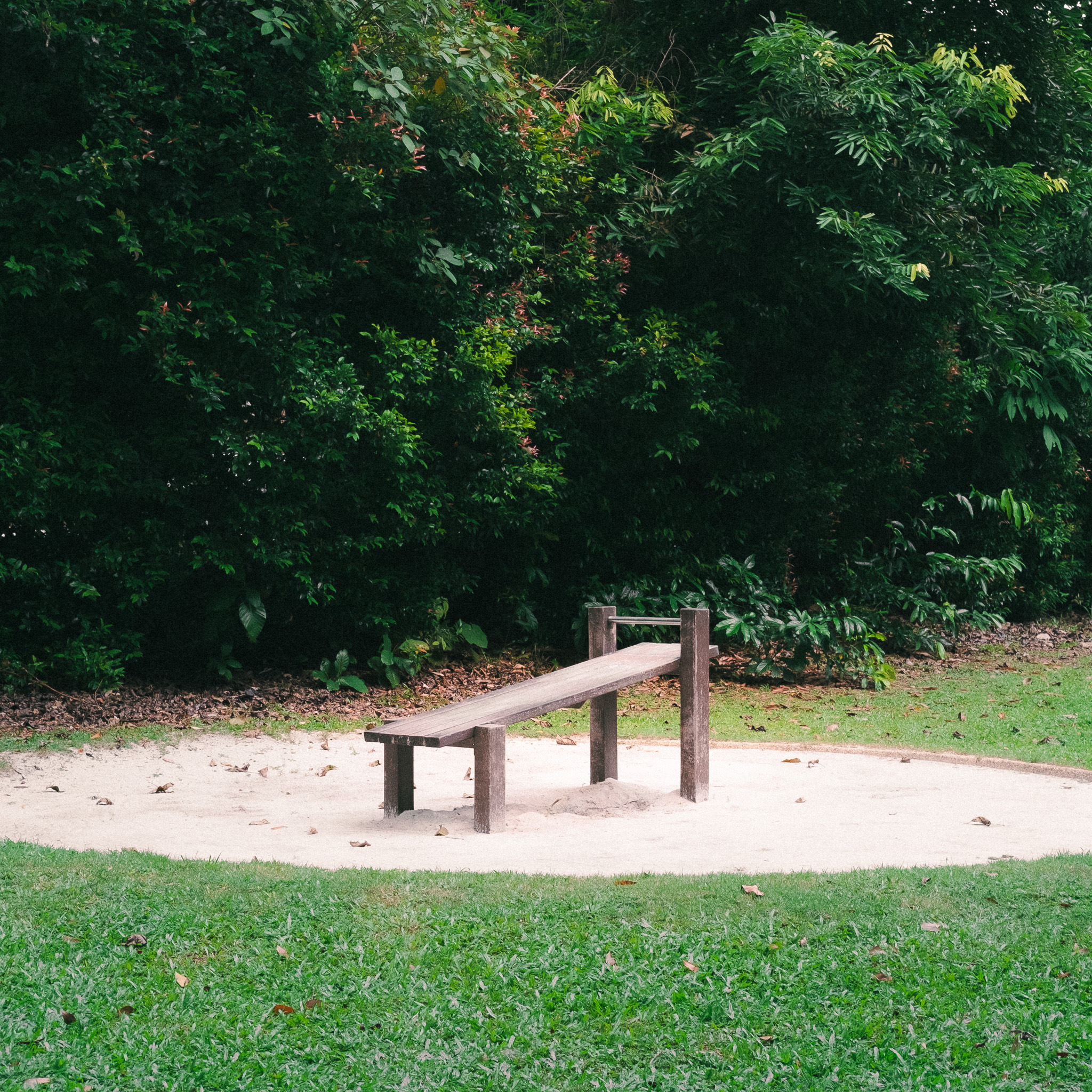
While talking a walk in a park, I photographed a scene of a wooden bench, sitting within a pile of sand thats surrounded by grass and leaves. The entire scenery felt serene and calming, filled with interesting textures. I wanted others to feel a similar feeling of what I felt, to be able to listen to the scenery and touch its environment, not just view it through a photograph.
To explore the idea of translating the textures within images into a physical, interactive form. Looking into the question of: How can we touch the textures within a image?
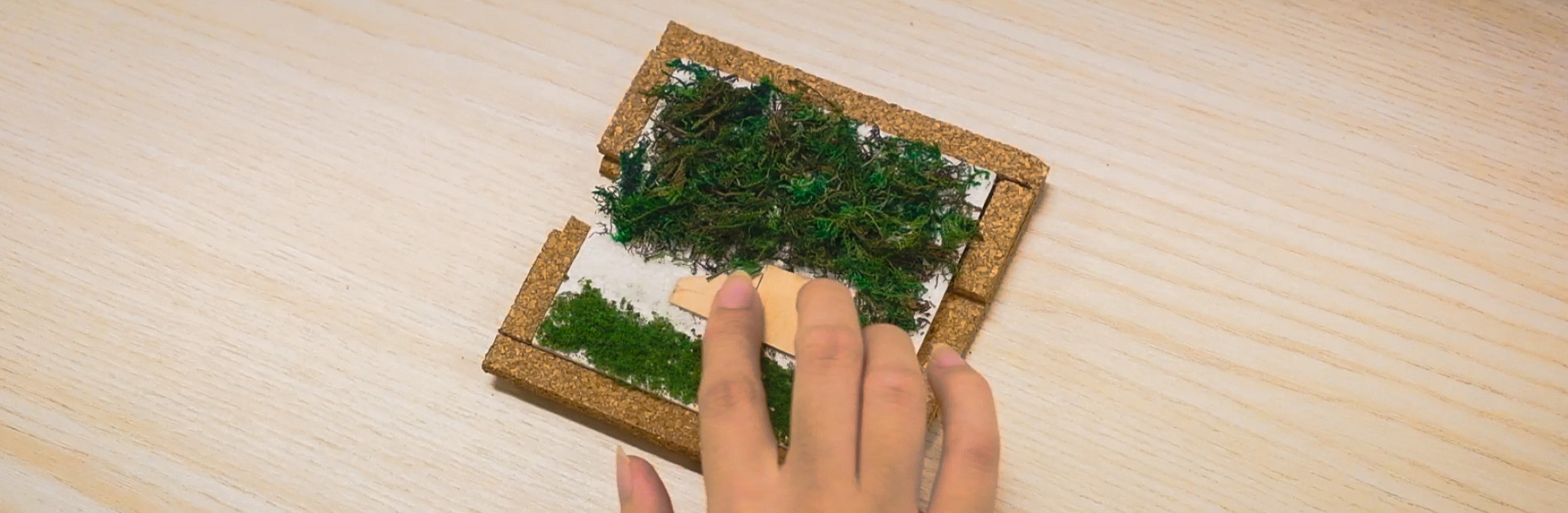
A Touch-Audio interface. A physical square tile, with textures map according to its reference square image, that responds according to where you touch it (I.E touching grass activates grass sounds).
I started the project by first going on a photowalk, looking for scenes with combinations of different textures, yet is not too complicated for me to map into a texture tile. Ideally, a scene with grouped textures and some interesting sounds going on.
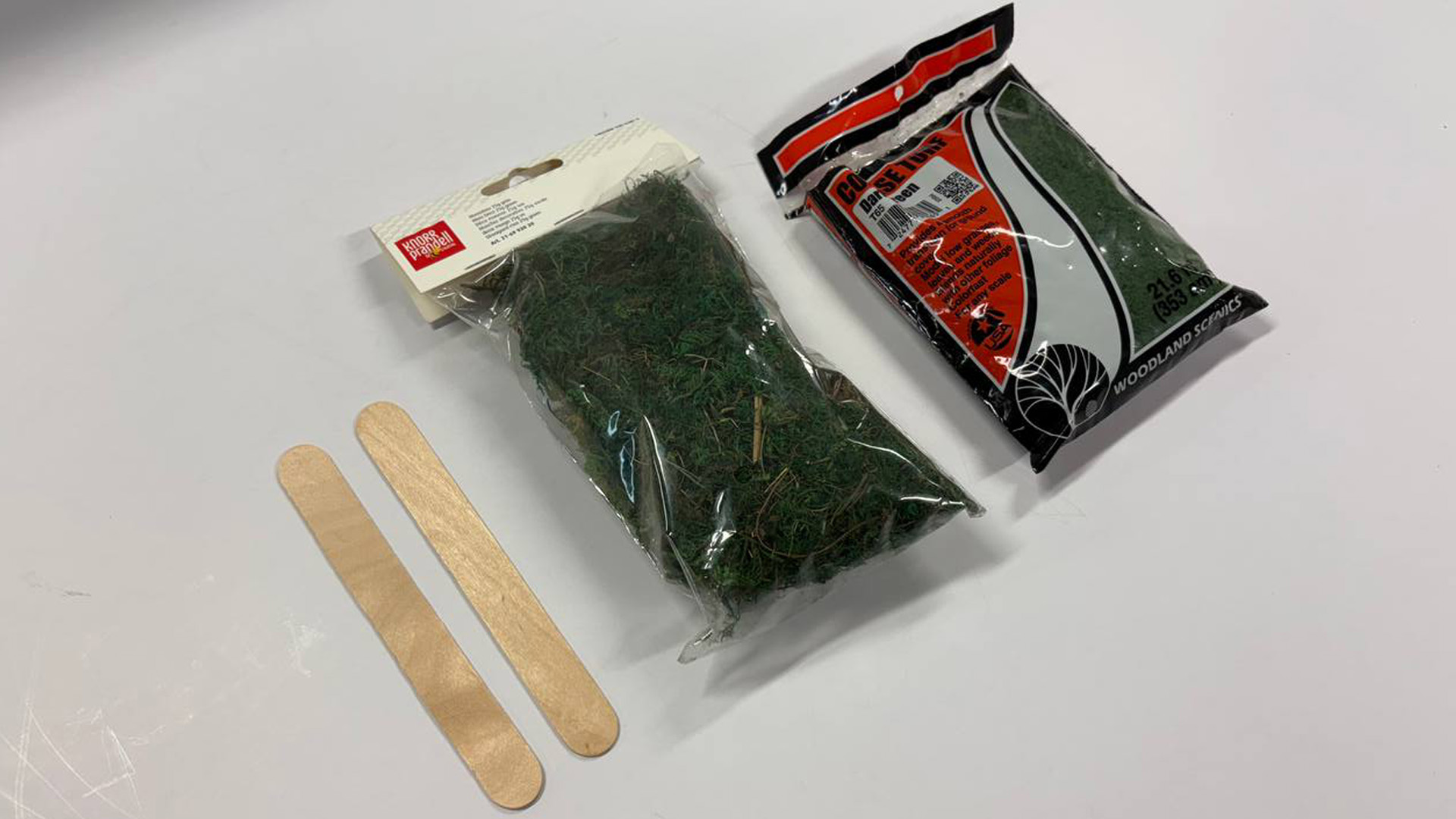
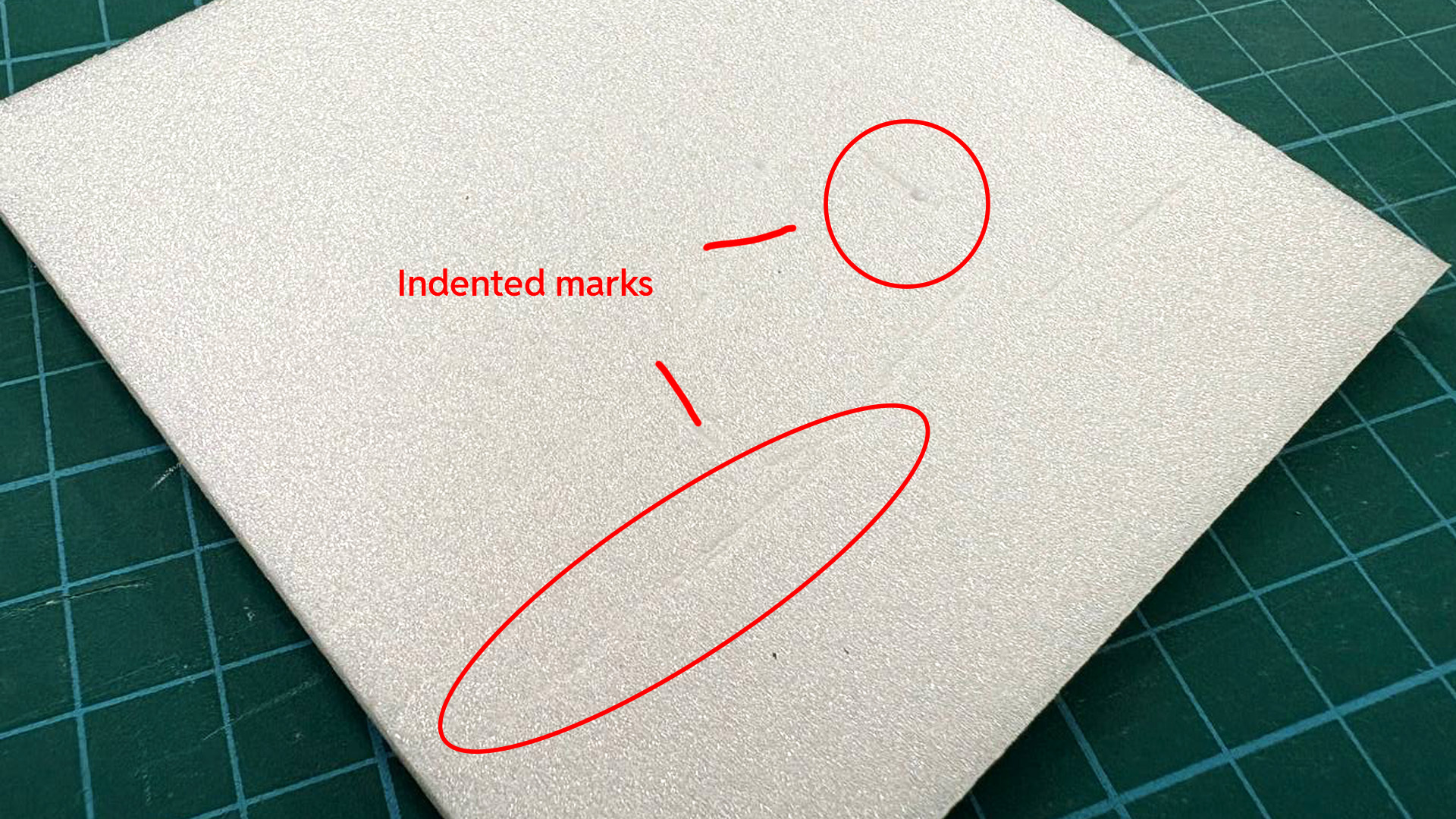
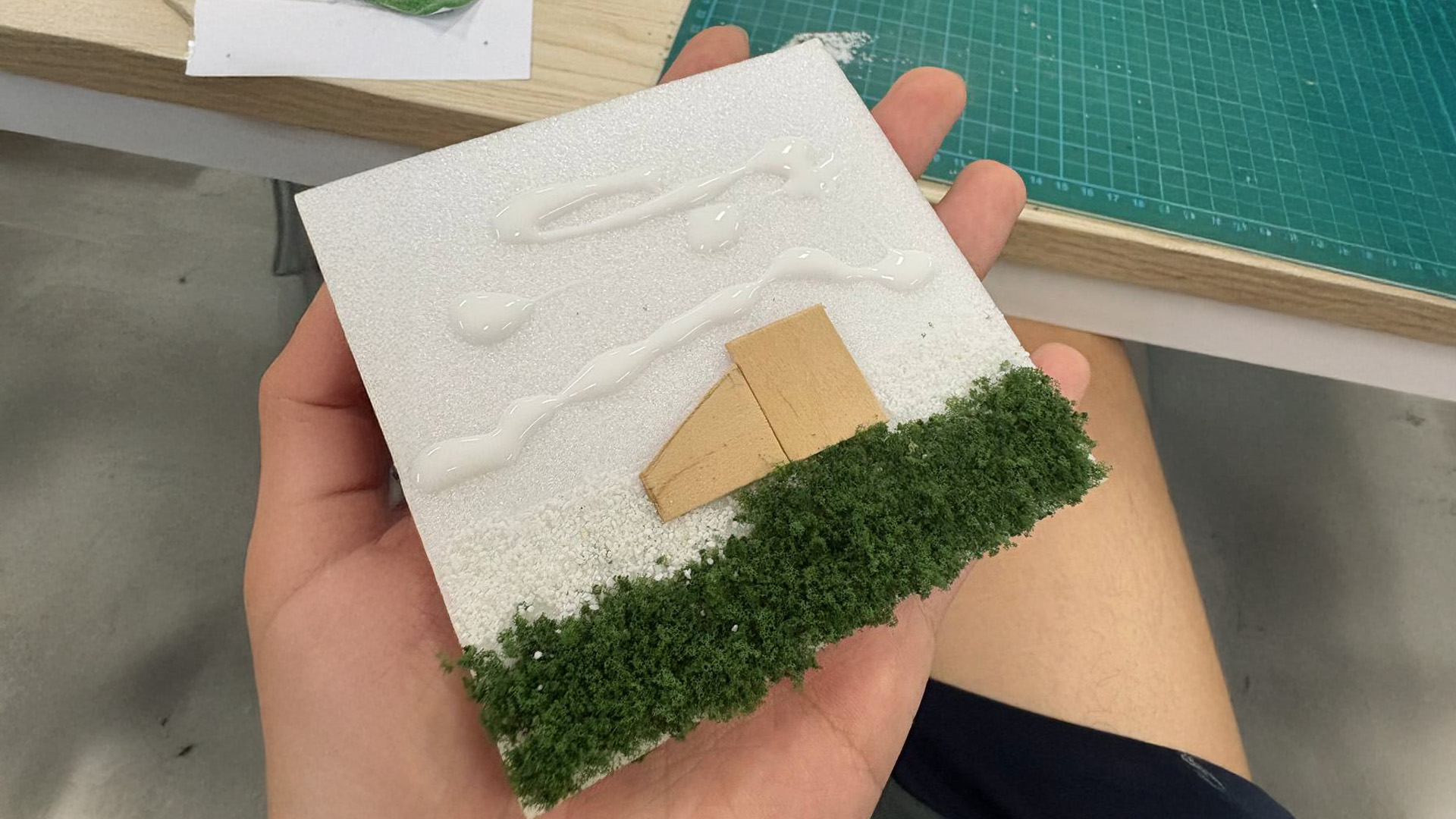
To start off, I bought some fake grass/greenery and ice cream stick to simulate the textures within the photo i took in the park. Due to budget constraints, I was working with cheaper materials (otherwise would have chosen a more suitable material for the leaf texture). I then cut out a square foam tile, overlayed it with reference image and used a inkless pen to leave a indent to mark the positioning of the textures on the foam tile below. Lastly, I glued the textures into place. I used ice cream sticks instead of wood due to accessibility (otherwise need a wood saw).
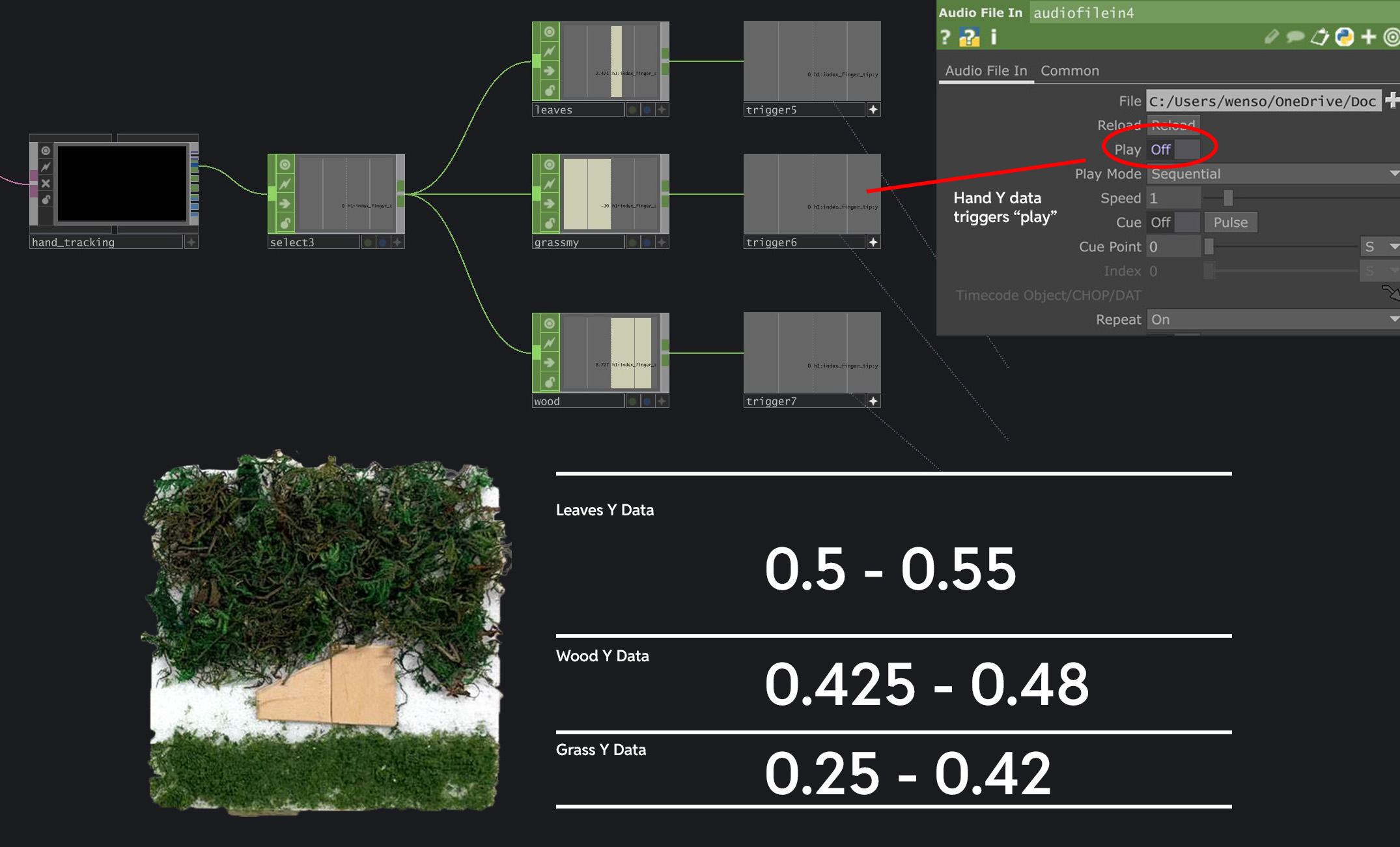
To create the interactivity aspect of this experiment, I used Mediapipe to track the fingertip position Y data, which basically measures where my fingertip is at along the Y axis. Since my physical texture tile can be segmented into 3 different segments along its height, I tested and noted down the Y data ranges for each segment. For example, the grass has a Y data range of 0.25 - 0.42. Since the wooden bench is higher than the grass, the Y data range is 0.425 - 0.48. Another important detail was for me to also constrain the interaction within the width (X data) of the tile because I only want the sounds to play when the touch is within the tile's area. To do this, I mapped the fingertip X data to the width of the tile and only when the fingertip is within this range will the volume of the audio be set to 1 (otherwise its 0 and muted).