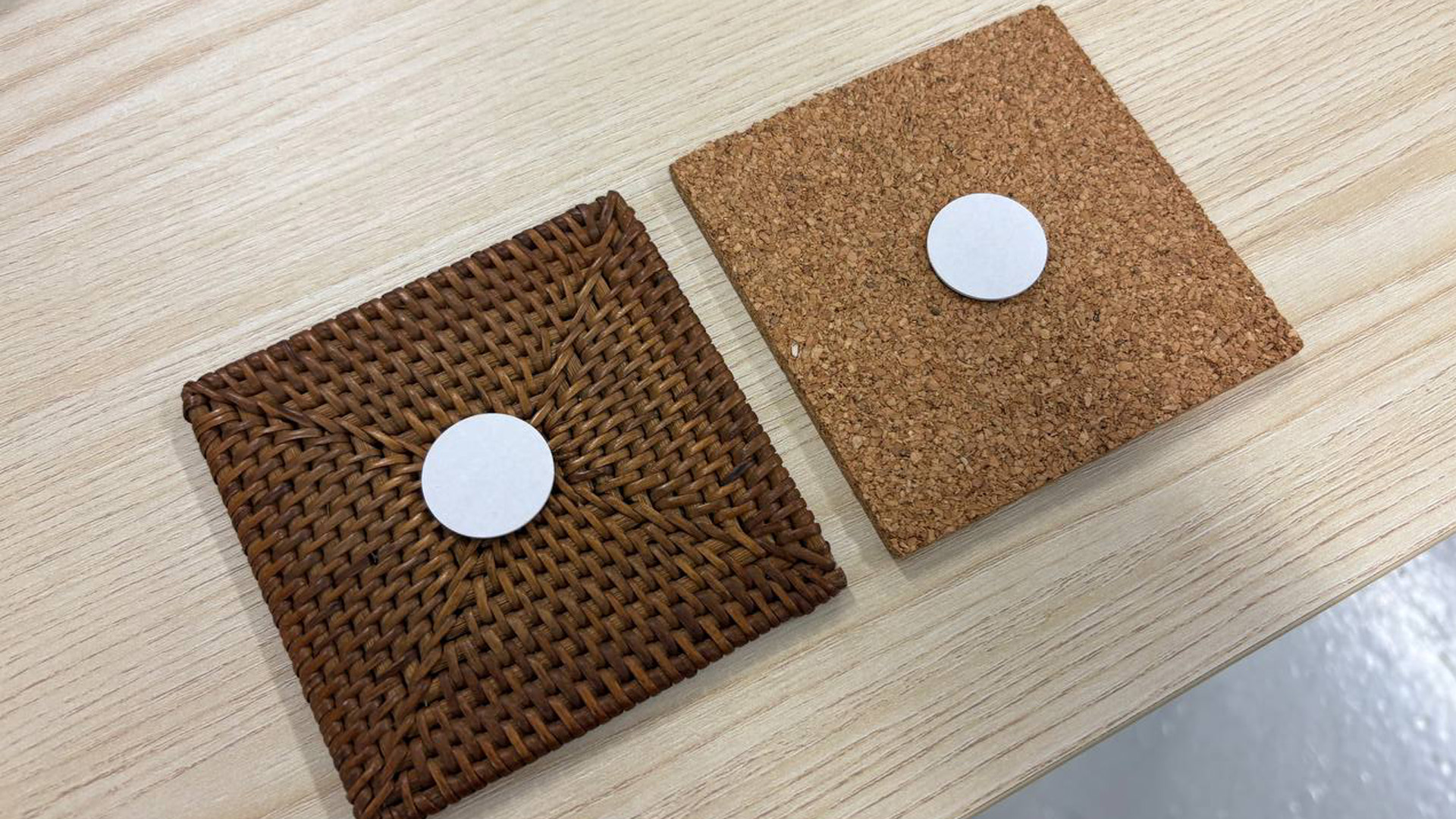
Different materials have different textures and characteristics. For example, Weaved Rattan can often feel bumpy due to the uniform weaving of the the individual strains. Cork feels rough and uneven due to its natural, porous cellular structure. These differences changes the uses of the materials, and ultimately its meaning to us in our daily lives. Do we truly understand the fundamental, inherent properties of these materials? Perhaps an interactive inter will help us move beyond mere tactile sensation and reveal the hidden structure behind their physical presence.
To create a Touch-Visual-Audio interface that facilitates people’s curiousity and understanding of materials and their properties.
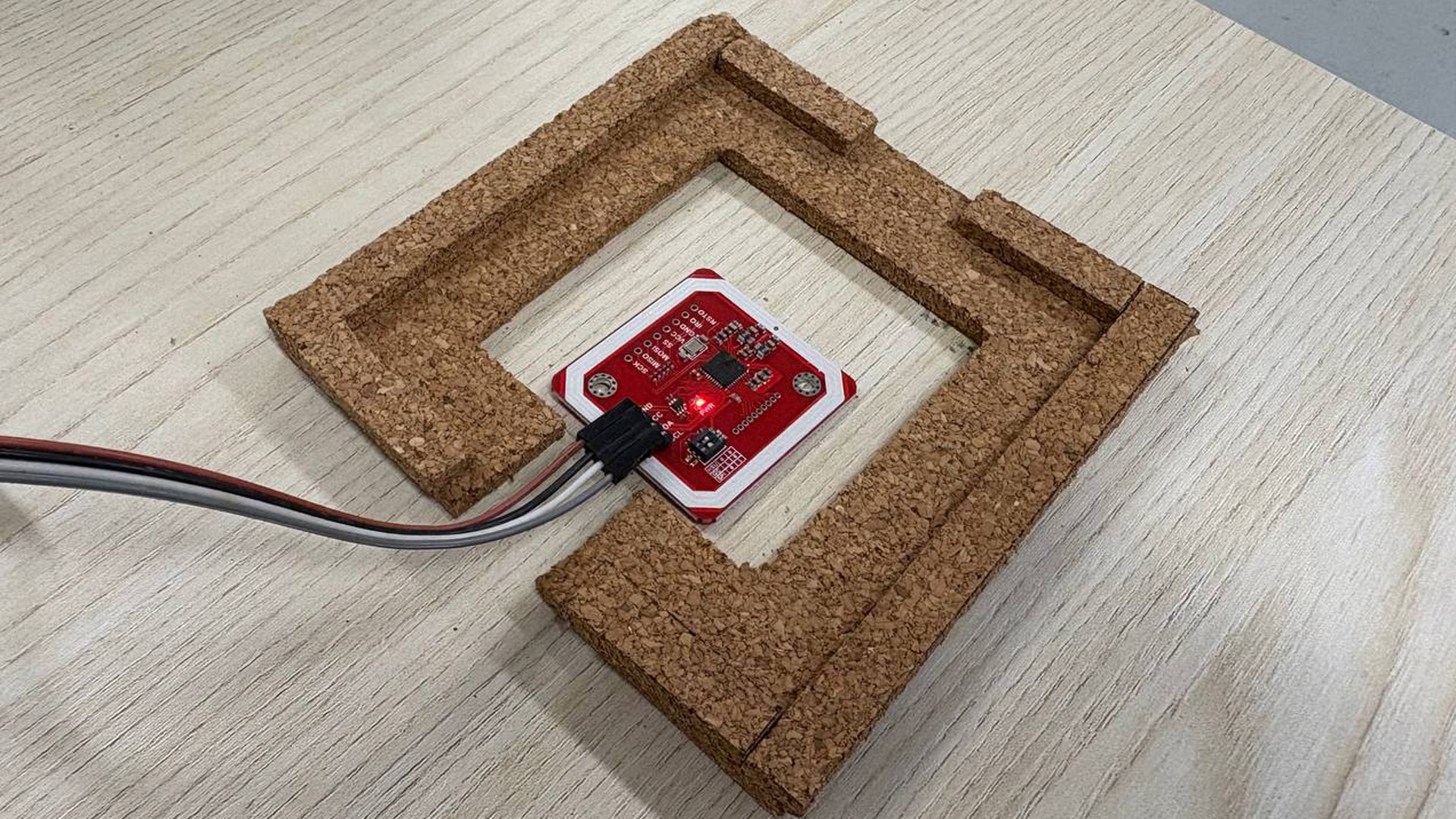
Placing either Rattan or Cork within the texture holder provided triggers their corresponding visual to appear on screen. The visuals on screen visually distorts at the point of interaction on the physical material, with sound effects relating to the material activated with each touch.
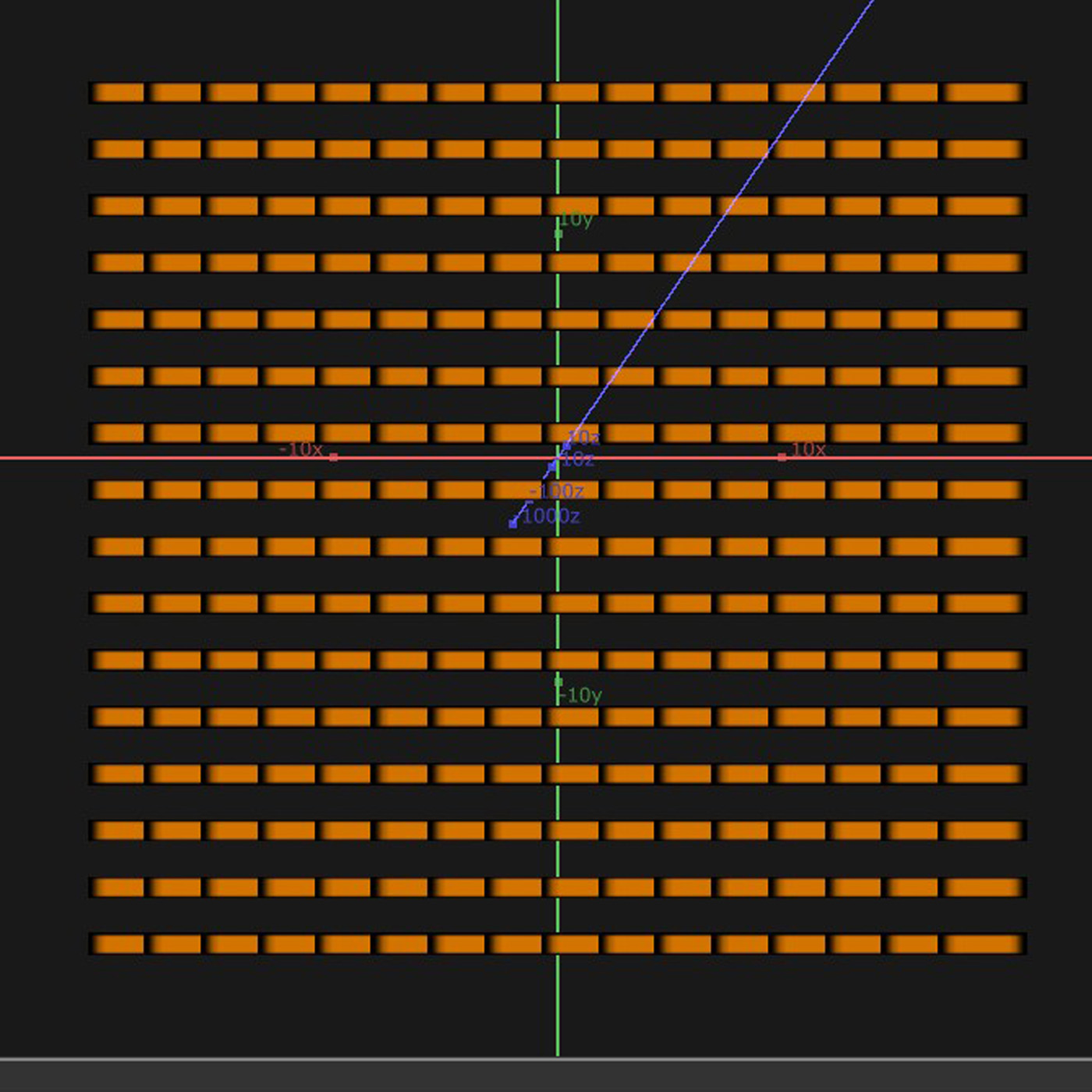
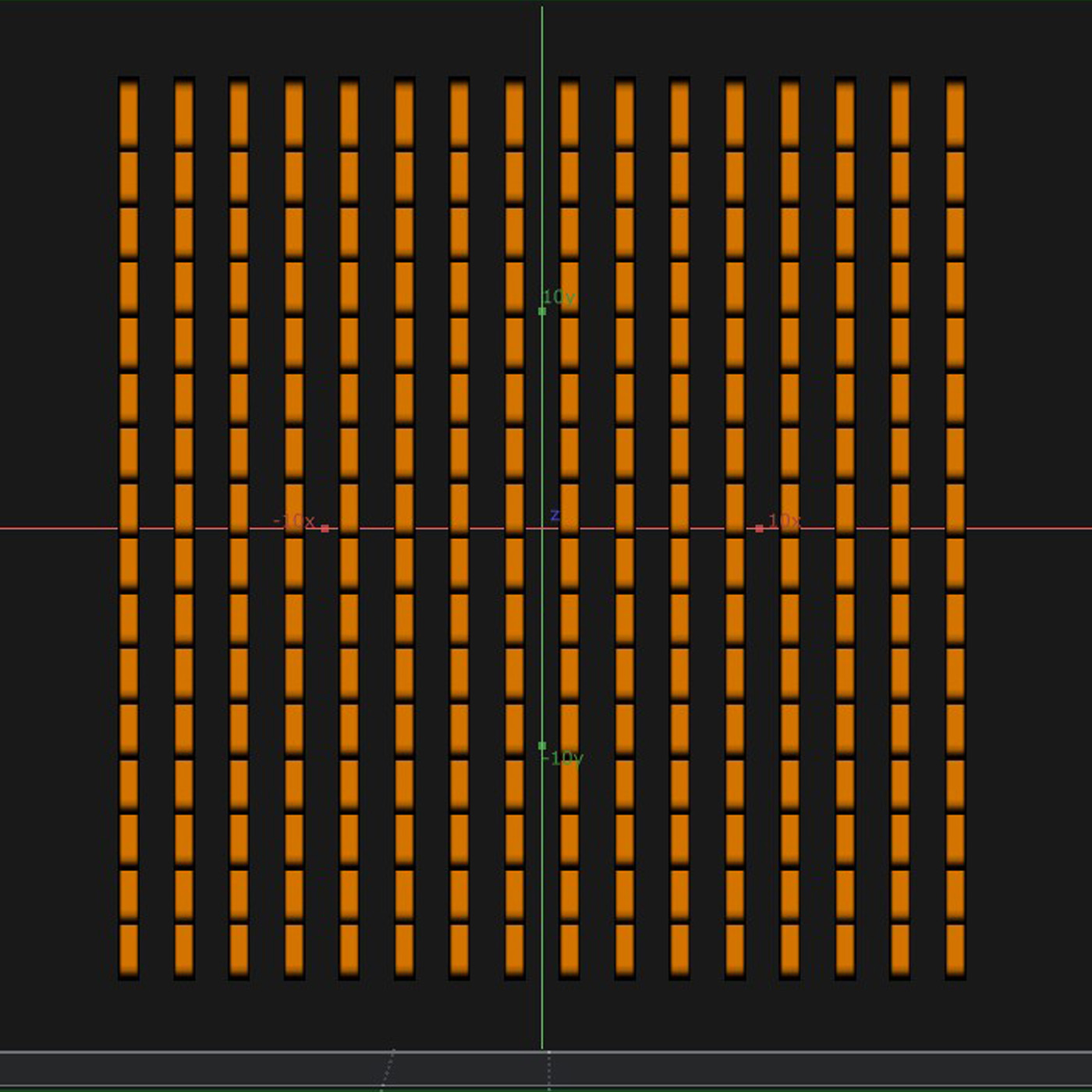
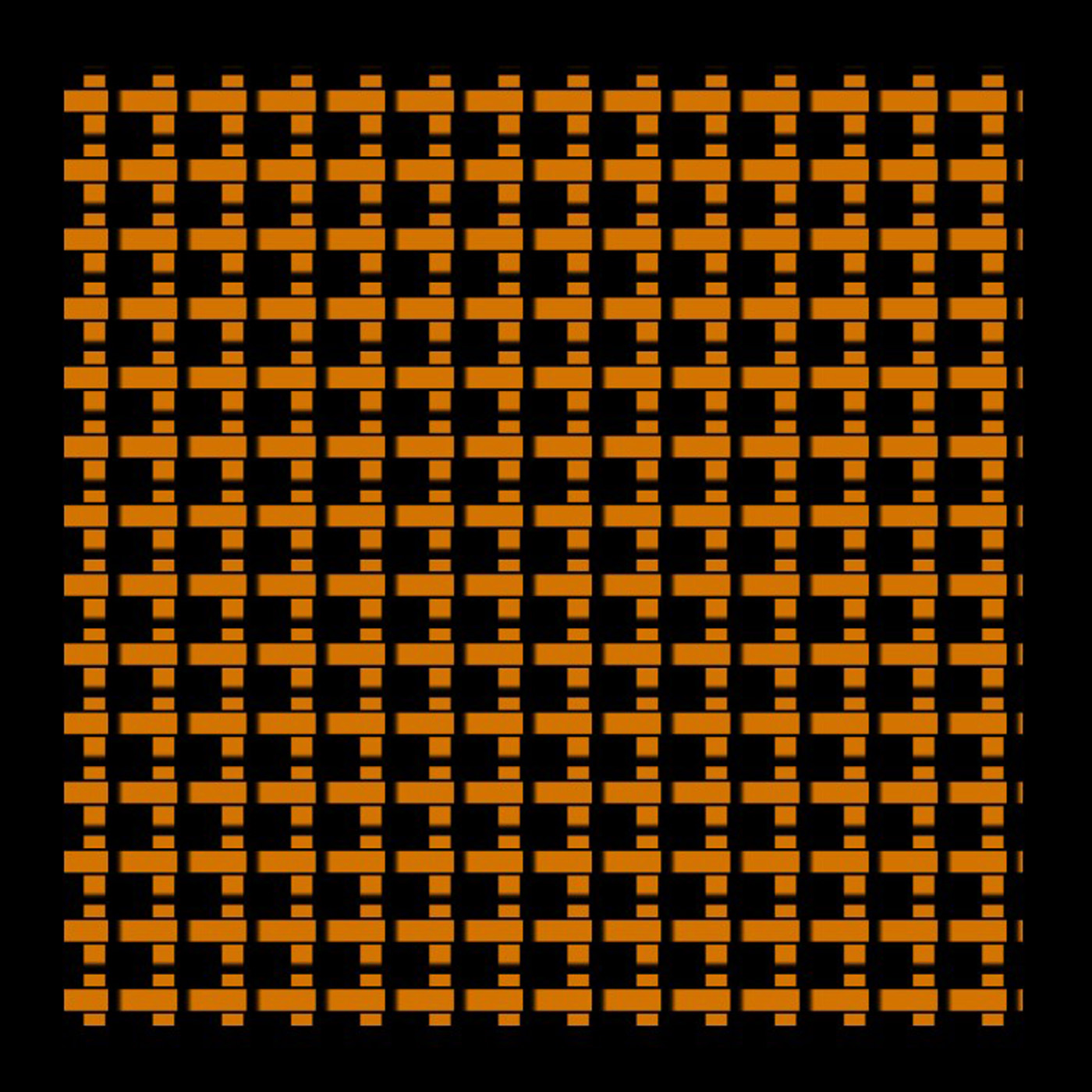
The visual representations of Rattan and Cork are done in TouchDesigner through a technique called Geo Instancing. In the example of the Rattan, I first created a basic rectangle shape, that is duplicated to be a square grid. This forms a visual that looks like 20 horizontal bars. I then duplicated and rotated it 90 degrees, overlaying them to create a texture that looks like Rattan. To enhance the likeness, I added a black outline to the shapes to create something like a drop shadow, so to make them look like they are interweaved.
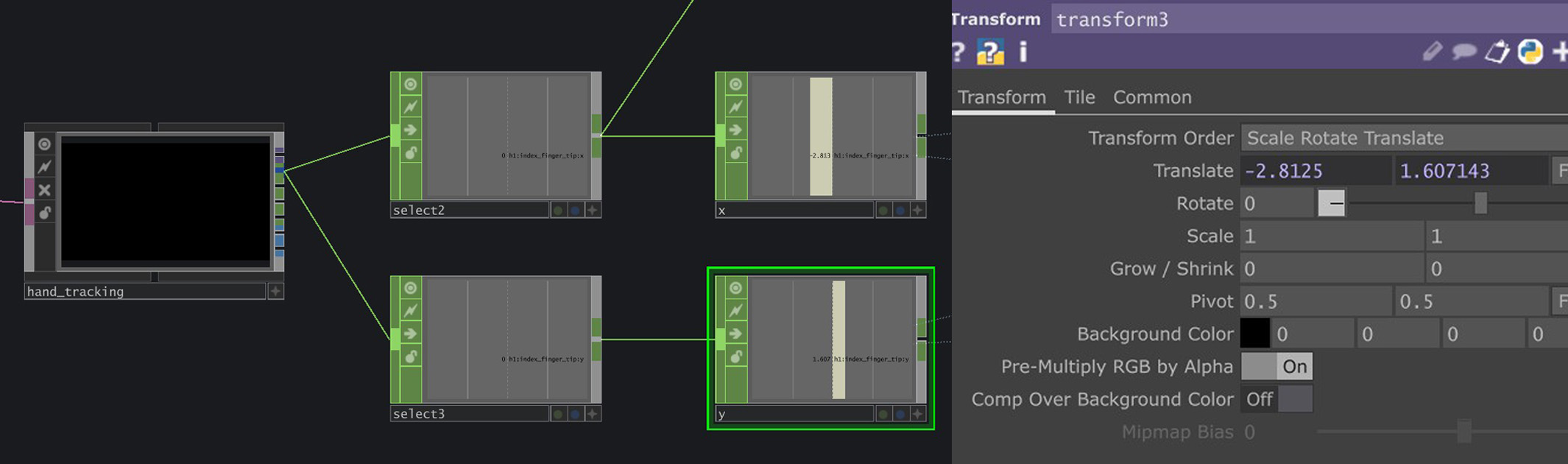
I positioned the webcam above the textures to register hand data that is within the texture's area. Through the use of MediaPipe's plugin in TouchDesigner, I used the XY hand position data within the texture area to distort the image.
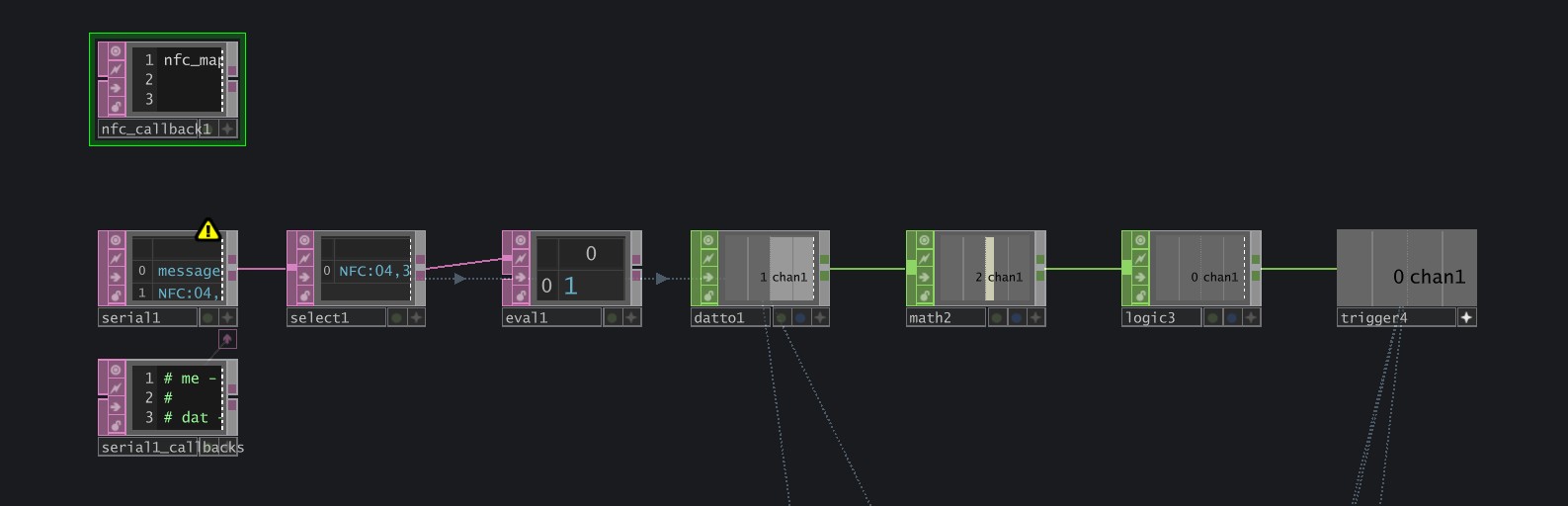
A NFC chip is planted below both physical texture boards, with their own respective data written. When this is placed above the NFC sensor within the texture holder, it sends the written chip data to TouchDesigner, which is then used to trigger the visual and audio changes.